Windows desktop application development
Desktop applications and unattended agents in .NET for Windows PCs and servers that have to keep running.
Desktop application development for Windows suits work where people spend the whole day in one application, or where machines sit at sites with an unreliable network. We build these applications in .NET with WPF or WinForms, together with the agents that run on remote machines with no user logged in.
Windows software we build
-
WPF and WinForms applications
Desktop screens for operators and back-office staff.
-
Unattended agents
Services on remote PCs that buffer during outages and resume without duplicates.
-
Server-side Windows services
Intake, classification and ETL services running in the background on Windows Server.
-
.NET upgrades
Older .NET Framework desktop code moved to current .NET.
Windows software in use
-
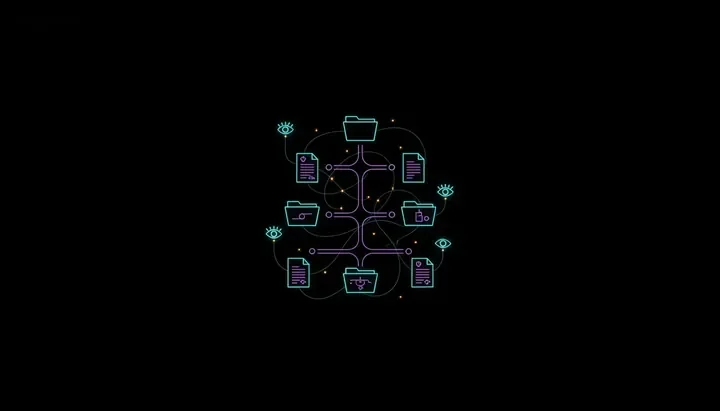 Clinical document watcher
Signed clinical documents at provider endpoints are picked up by our .NET watcher agents, which buffer on the machine when the network drops.
-
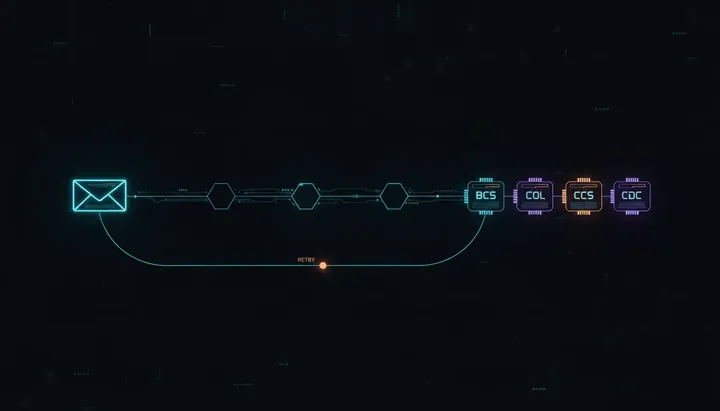 HEDIS measurement pipeline
Fax intake, portal sync and document classification for a HEDIS engine run as .NET Windows services.
-
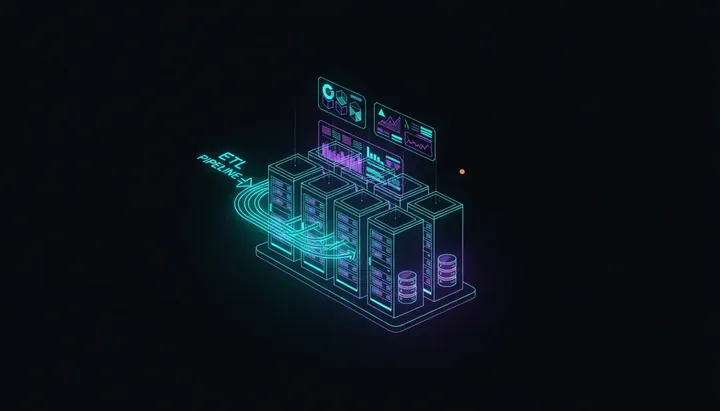 Clinical data warehouse
ETL for a clinical warehouse runs in a fleet of Windows background services against SQL Server.
APIs and services behind the desktop: API development and web services. Older Windows software brought up to date: legacy modernization.
How Windows application work starts
-
Application and machines
Describe the application, the Windows versions it runs on and how it is installed today.
-
Clean build
We get the current code building on a fresh machine and record every manual step along the way.
-
Screen by screen
Screens and services move to current .NET one at a time, with the old version kept as a fallback.
And much more. Ask about your project
What does your Windows application do?
Describe who uses it, which Windows machines it runs on and what has to change.